Guest systems, 2 min read
Stop rewriting the same guest emails.
Choose which messages to automate, connect them to the booking record and test the exceptions.
Cottage Grow. Published . Last reviewed
If you keep typing directions, check-in details and reminders, you have a useful place to start with automation.
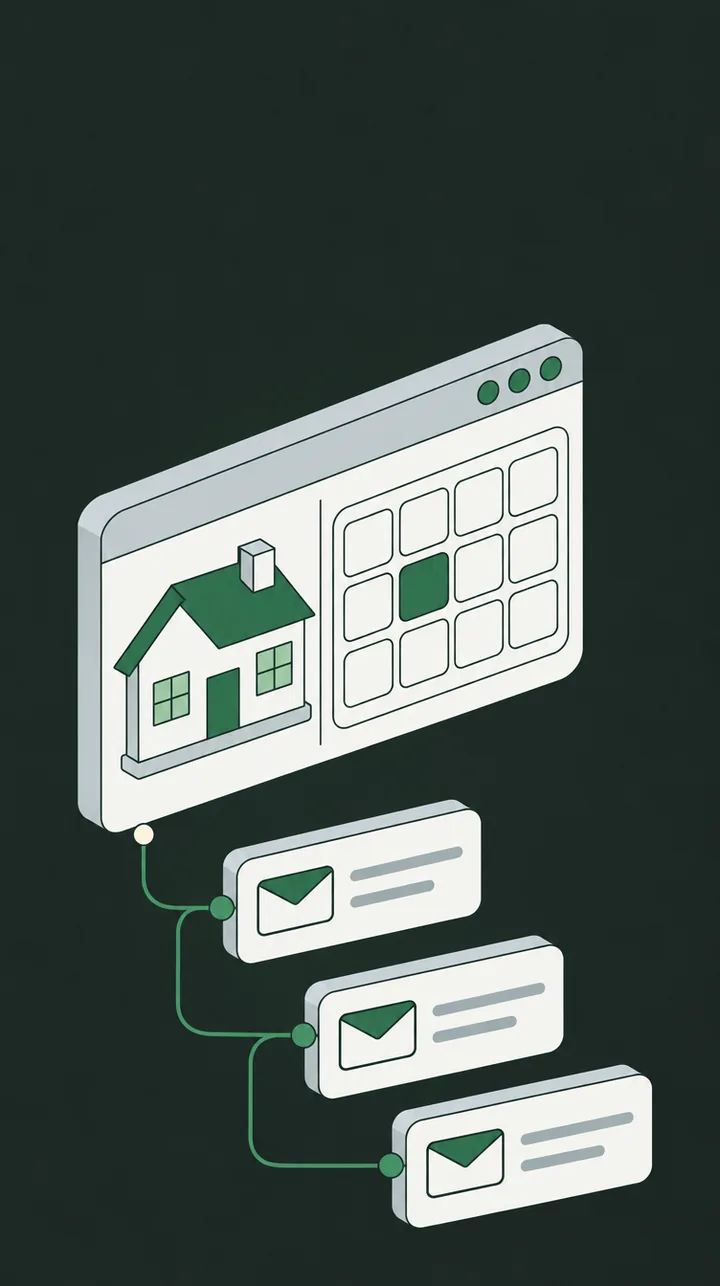
A dependable message sequence gives guests information when they need it and reduces the routine emails you prepare for every stay. The setup needs to follow the booking as plans change.
1. Choose the messages worth automating
Start with information that follows a predictable pattern:
- **Booking confirmation:** the cottage, dates, payment details and agreed terms.
- **Before arrival:** directions, check-in arrangements and what to bring.
- **Before departure:** checkout time and a short departure checklist.
- **After the stay:** a thank-you message and a way to share feedback.
Choose timing that suits your property. Guests travelling to a remote location may need directions well before arrival day.
Keep promotional emails separate and send them only to guests who agreed to receive them.
2. Connect messages to the booking record
Confirm which features your booking and email tools support. Each message should use the current cottage, stay dates, guest details and reservation status.
Set clear conditions for sending. A booking awaiting confirmation should not receive the same message as a confirmed stay.
Check whether your booking provider already sends an email before adding another. Duplicate confirmations can leave guests unsure which message to follow.
3. Test changes and exceptions
Use test records to check what happens when:
- A guest changes dates or cottages.
- A reservation is cancelled.
- Someone books on arrival day.
- An email address is missing or delivery fails.
A cancellation should stop the remaining stay reminders. A date change should update their timing. A last-minute booking needs the relevant arrival information without waiting for a missed schedule.
Decide who receives failed-message alerts and who answers guest replies. Special requests and complaints still need your attention.
Start with your arrival email
Write one clear arrival message and test it against an ordinary booking, a changed booking and a last-minute booking.
Check what the guest receives and how much follow-up is still needed. Once that works reliably, build the rest of the sequence.
To see how much time your routine messages take, try the owner time savings calculator with your own figures.