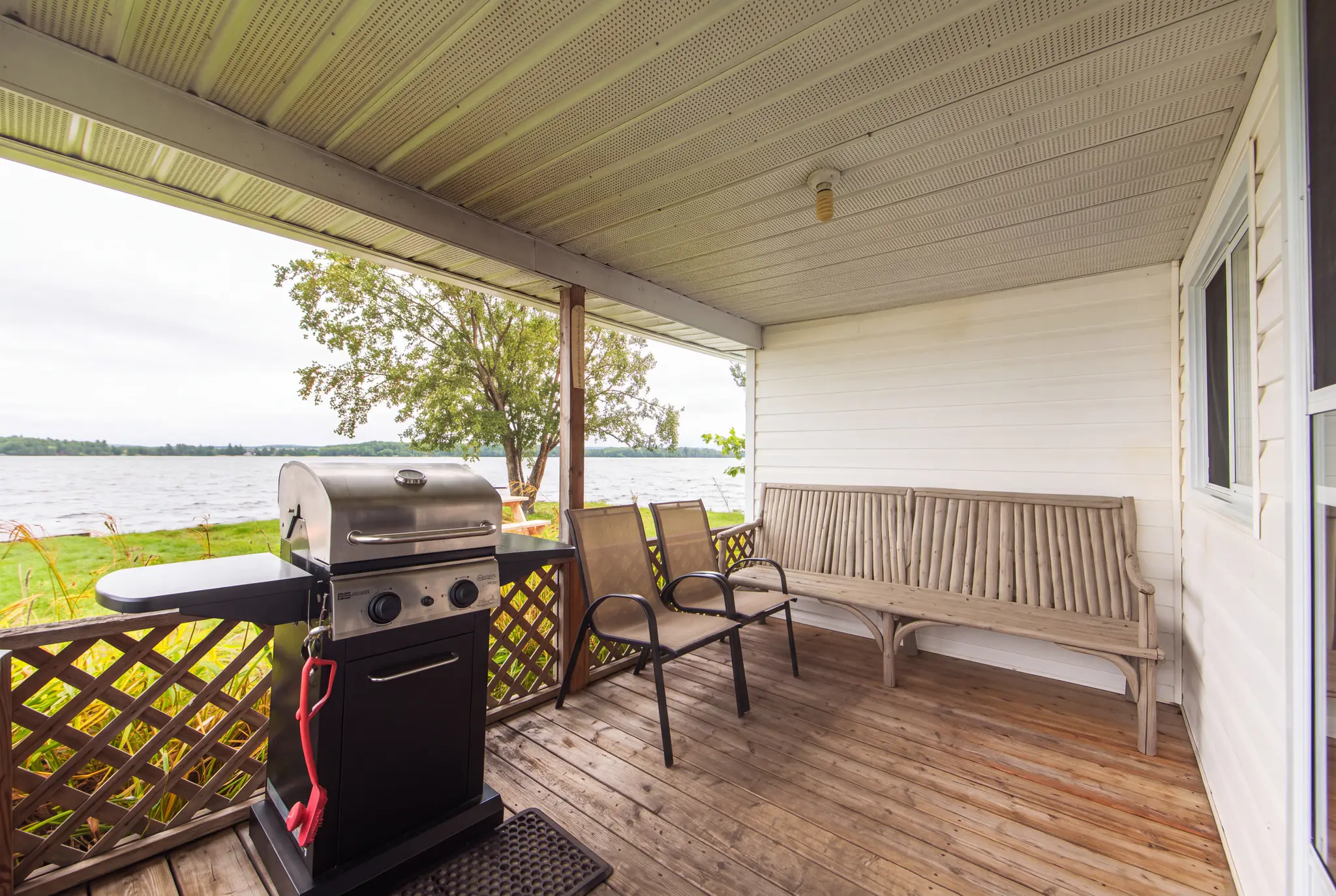
A covered porch at Cozy Camp with a barbecue, two chairs and a wooden bench, looking out over the lawn to the lake
Guest systems

Make every stay run smoother

Take the repeat work out of every stay.

We connect guest details, routine messages and supported booking steps so you spend less time repeating the same work for every stay. Every booking brings the same jobs: copying details, rewriting the same emails, answering the same questions. We set them up once, in the booking platform and tools you already use. Platforms differ in what they connect, so we confirm what yours supports before agreeing scope.

A simpler path from choosing a stay to booking

Guests pick a cottage and dates on your website, continue to your booking platform and get clear next steps. Where the platform supports it, the cottage and dates carry through, and the booking becomes the guest’s record.

How the booking route is built
Routine messages prepared once

Confirmations, arrival details and post-stay notes become templates with timing rules tied to each booking’s dates. You no longer start the same email for every booking.

You approve the templates and rules before launch, not every message. Exceptions come to you separately.

Where supported

Agreements with less chasing

Your approved agreement goes to guests for online completion, and its signed status stays with the booking.

Where your booking platform or signing tool supports it, including any reminders. We confirm this before it is included.

Guest information kept together

Guest details, stay dates, the cottage booked and marketing consent form one booking record in supported tools, so there is less searching and re-entering.

Useful information before guests need to ask

Directions, check-in, what to bring and property guidance arrive while guests plan their trip. They arrive prepared, and you answer the same questions less often.

A clear view of what needs attention

Routine bookings follow the agreed path. Changed dates, late bookings, missing information and the exceptions you agree are set aside for you to review, and the monthly booking report and owner review show how it is going.

One booking. The right messages at the right time.

How one example booking plays out. The first three messages go to every booked guest; the last two are optional marketing, sent only to guests who agreed to hear from you.

  1. Optional marketingOnly for guests who agreed to hear from you

On booking

Confirmation

Operational: sent for every booking

Subject: Your stay at Example Lake Cottages is confirmed

Hi Sam, thank you for booking. Your dates, your cottage and what is included are below, with the policies that apply to your stay.

An illustrative sequence for a made-up property. The timings are examples; yours are agreed with you.

How it starts

Start with one repeated task, then expand.

Templates, timing, who handles what and how exceptions are treated are agreed with you before anything goes live.

  1. Identify the repeated task and tools

    Choose the job that repeats most, such as the pre-arrival email, and the booking platform and tools it touches.

  2. Set up information, templates and rules

    Organize the guest details it needs, write the template for your approval and set when it goes out.

  3. Test normal cases and exceptions, then expand

    Try it on ordinary bookings and on changed dates, late bookings and missing details. Once it works, add the next one.

Questions before getting started

If your question is not here, tell us which booking task repeats most and we will reply by email.

Your booking platform and the email and automation tools you already use, through the features and connections they provide. Platforms differ, so we confirm what yours supports before agreeing scope. We do not replace your booking platform with one of our own.

Routine messages tied to booking dates, such as the confirmation, the arrival details and the thank-you note, once you have approved their templates and timing. Where your tools connect, guest details also reach one booking record without being typed in again.

Anything outside the agreed rules: changed dates, late bookings, missing information, special requests and any reply that needs your judgement. You also approve templates and timing before launch, and take part in the monthly owner review.

Where your booking platform, or a signing tool you already use, supports it. Your own approved agreement then goes to guests for online completion and its signed status stays with the booking, with reminders where the platform offers them. We confirm what your tools support before it is included.

Each automation is tested against changed dates, late bookings and missing details before launch, and the documentation says who handles each case. A booking that falls outside the agreed rules comes to you instead of following the routine path.

Guest records, core automations, booking reports and the monthly owner review are part of Grow and Partner. In Essentials they are separate scope.

Talk through Guest Systems and Automation

Tell us about your property and what you would like to improve. We reply by email with what we see and whether a package fits.

How we work · Owner time savings calculator · Websites and Online Booking · AI and Advanced Workflows