Websites & booking, 3 min read
The infrastructure behind direct bookings.
What your booking system, payments, confirmation emails and calendars need to handle before you send more guests to book directly.
Cottage Grow. Published . Last reviewed
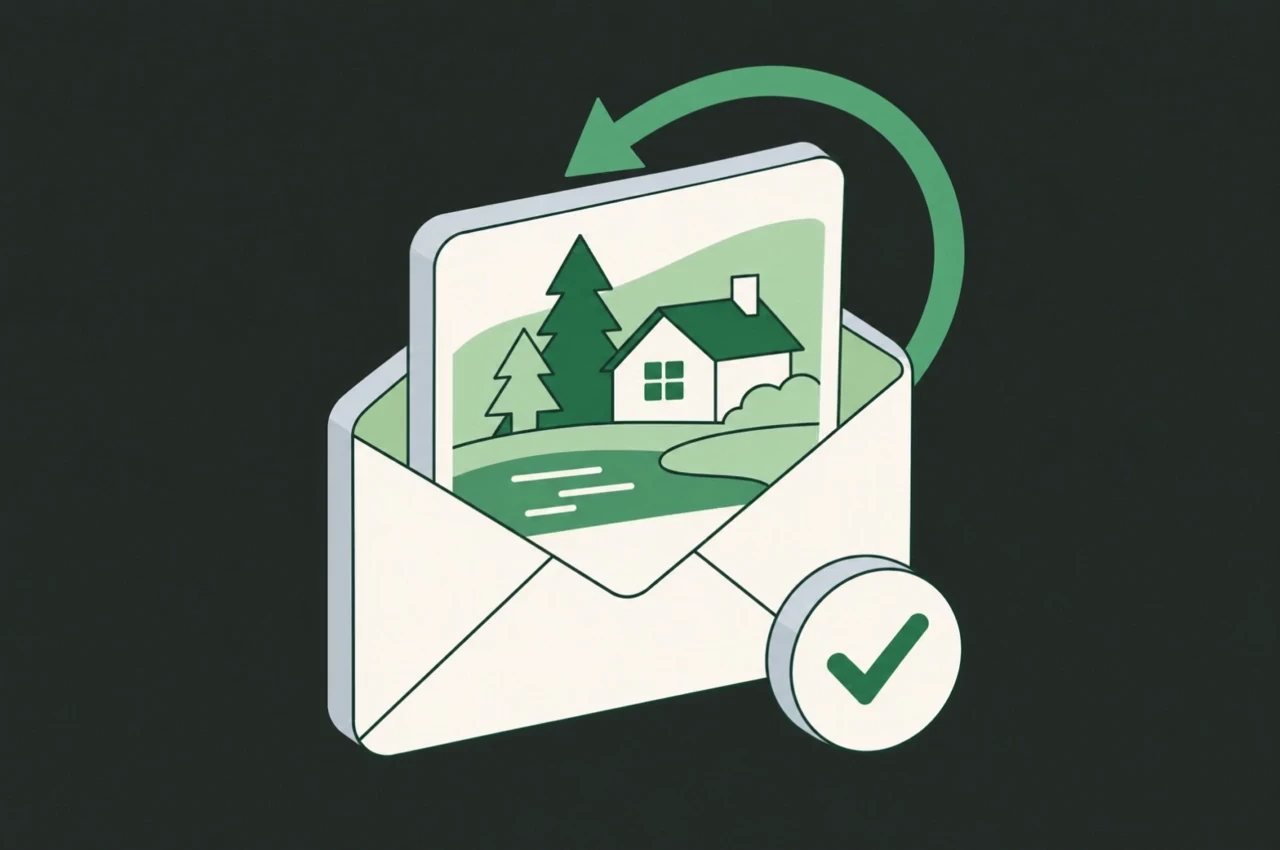
When a guest books through your website, several things need to happen together: their reservation is recorded, payment is handled, confirmation is sent and availability is updated.
Setting up those connections helps you avoid conflicting bookings, missed messages and unnecessary admin. Here’s what your booking infrastructure needs to handle.
1. Keep reservations in one place
Connect your website to a booking system that records the cottage, dates, guest details, price and reservation status.
You should be able to see which bookings are confirmed, awaiting payment, changed or cancelled. Decide when dates are temporarily held and when a reservation becomes confirmed, so an unfinished checkout does not leave availability unclear.
If you also accept bookings by phone or email, enter them into the same system.
2. Connect payments to the reservation
Your payment provider and booking system need to work together so you can see what each guest has paid and what they still owe.
Set up your rules for:
- Deposits or full payment at booking.
- Remaining balances and payment reminders.
- Failed or incomplete payments.
- Cancellations and refunds.
Check what happens when a payment fails. The guest needs a clear next step, and you need to know whether their dates are still being held.
3. Automate confirmations and booking updates
Once a reservation is confirmed, send an email showing the cottage, dates, guest count, payment received and any remaining balance. Include the cancellation terms and a clear way to contact you.
Set up messages for changes and cancellations too, so guests receive an updated record.
Check which actions happen automatically and which need your attention. Cancelling a reservation and issuing a refund may be separate steps.
4. Keep availability updated across your booking channels
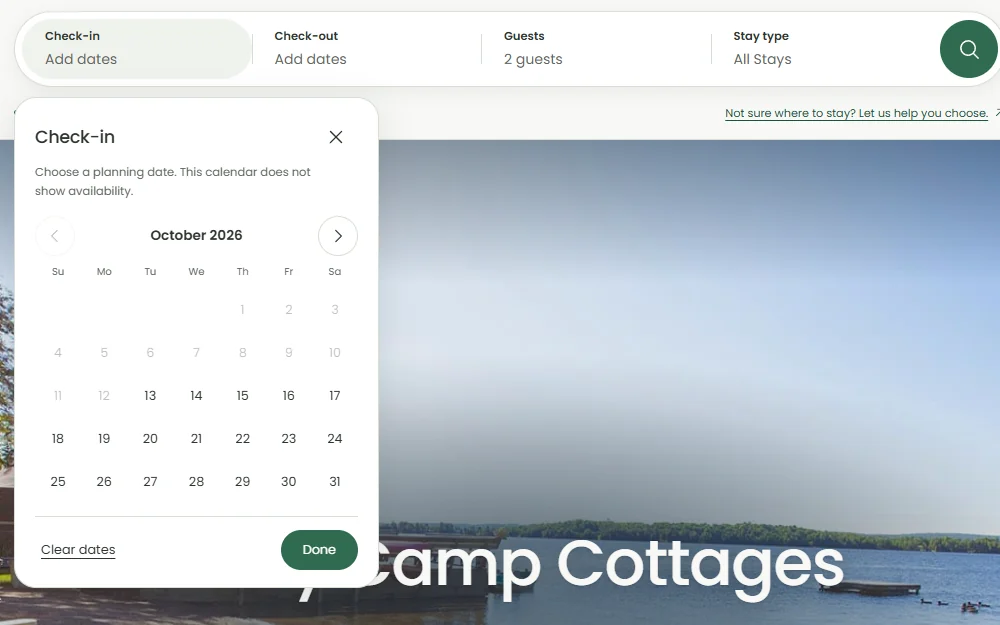
A confirmed reservation should make those dates unavailable wherever you sell that cottage. Changes and cancellations should also update the relevant calendars according to your rules.
If you use third-party booking sites, you may need a channel manager to connect them with your reservation system. Check which connections are supported and how quickly availability updates.
Displaying a calendar on your website is only part of the setup. Confirm that bookings actually update the calendars you rely on.
Test the whole process
Use your provider’s test mode where available. Make a reservation, check the payment record, read the confirmation email and verify availability.
Then change or cancel it. Check the updated message, calendar and any refund action required.
Make sure you know who receives an alert if a payment, email or calendar update fails. Fix any gaps before sending more guests to book directly.
To put your own numbers on what extra direct bookings could be worth, use the direct booking revenue calculator. For a property website with online booking in use, see the Cozy Camp case study.