Websites & booking, 2 min read
Make booking your cottage an easy choice
A practical guide to helping guests compare cottages, find answers and reach the booking screen with confidence.
Cottage Grow. Published . Last reviewed
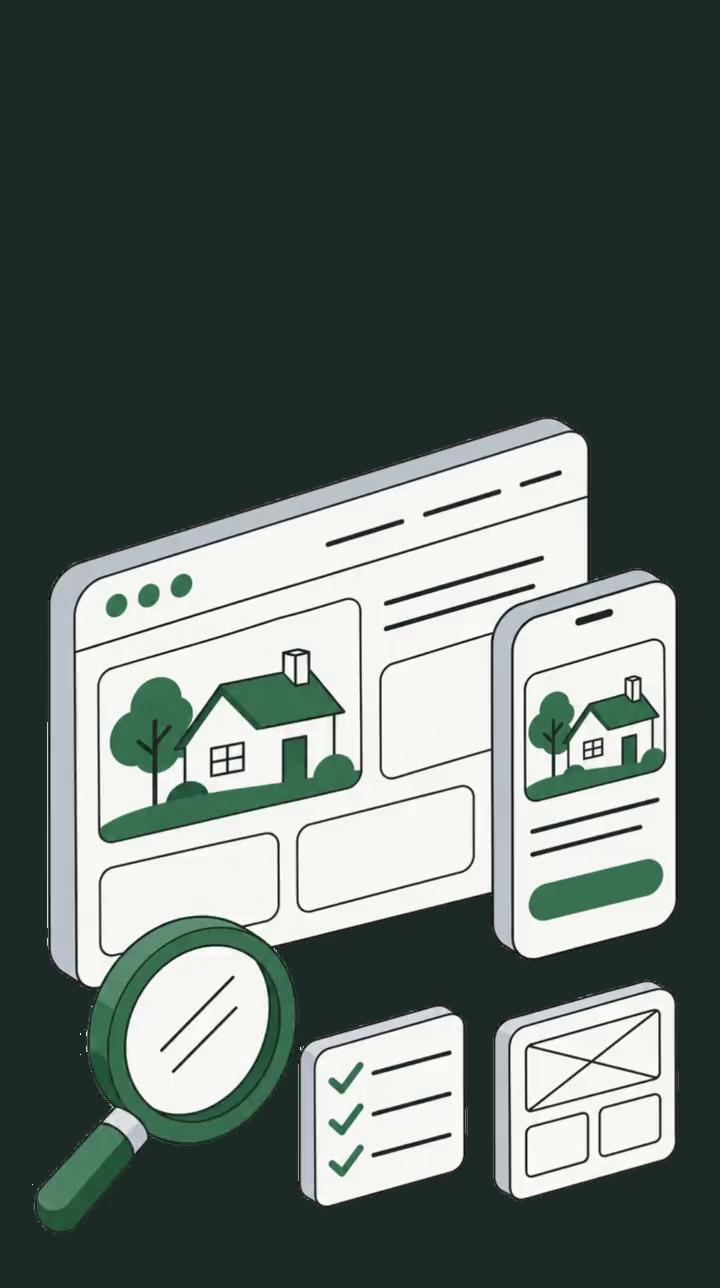
Your website should help guests answer three questions: Does this cottage suit us? What will our stay cost? How do we book?
User interface (UI) is what guests see and use: photos, menus, buttons and forms. User experience (UX) is the overall experience of finding and booking a suitable cottage.
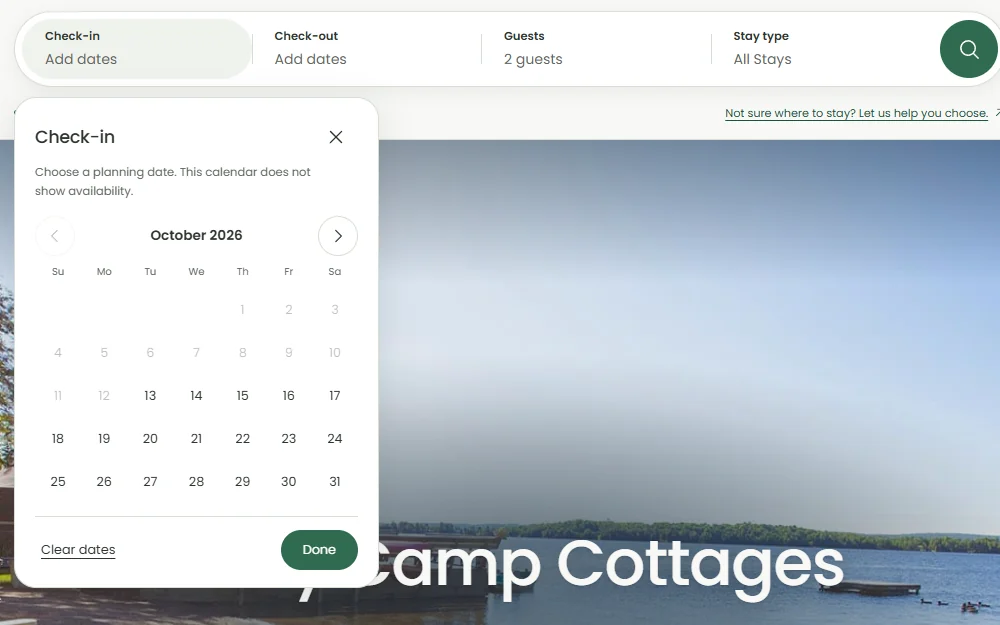
A clear “Check availability” button helps. Opening the right cottage with the guest’s dates still selected makes the experience better.
1. Make cottages easy to compare
Give each cottage page the same basic structure so guests can compare their options:
What to check on each cottage page
- Bedrooms, beds and bathrooms.
- Kitchen facilities, heating and cooling.
- Parking, waterfront access and shared amenities.
- Pet rules and physical access details.
Be specific. “Sleeps six” could mean three double beds or two double beds and a sofa bed. Explain the arrangement so guests can judge whether it works for them.
Describe access just as clearly. “Three entrance steps and a gravel path” is more useful than a vague accessibility claim. Label photos of shared facilities.
2. Make the cost and terms easy to find
Help guests find the price for their selected stay, including required fees. Explain minimum stays, any deposit and cancellation terms before they commit.
Keep this information close to the booking action. Guests should be able to understand what they’re agreeing to without searching several pages.
3. Check the booking journey on a phone
Follow the journey from a cottage page into the booking system. Check that:
- Text and buttons are easy to read and use.
- Date and guest-count fields keep their labels visible.
- Selected dates carry through where supported.
- Errors explain how to correct the problem.
Use specific button labels where helpful, such as “Check Cottage 4 availability.”
Include any third-party booking screen in your checks. Also try navigating with a keyboard and make sure you can see which control is selected.
Start with one cottage
Ask someone unfamiliar with your property to choose a cottage for a particular group and date range on their phone.
Watch where they hesitate or go back. Can they explain the sleeping arrangements, total cost and cancellation terms? Can they reach checkout?
Fix anything that makes guests hesitate or backtrack, so it’s easier to go from browsing to booked.
The Cozy Camp case study shows one way to present cottages on a map, with details and comparisons before booking.